How to Make Clipart in Grok: A Practical Guide to AI Clipart Packs (Baby Milestones, Back-View Characters & More)
A practical, honest guide to making clipart packs with Grok's image generator — prompts that actually work, style-consistency tricks, and what you can and can't legally do with the output.
What Grok Can (and Can't) Do for Clipart
Grok is xAI's chatbot and image generator, available via grok.com and inside X. Its image model (called Aurora) is genuinely strong at watercolour-style illustrations, flat vector-look clipart, and character back-view art — the styles that dominate Etsy and Creative Market clipart shops right now.
What it's good at:
- Cute watercolour and hand-drawn styles
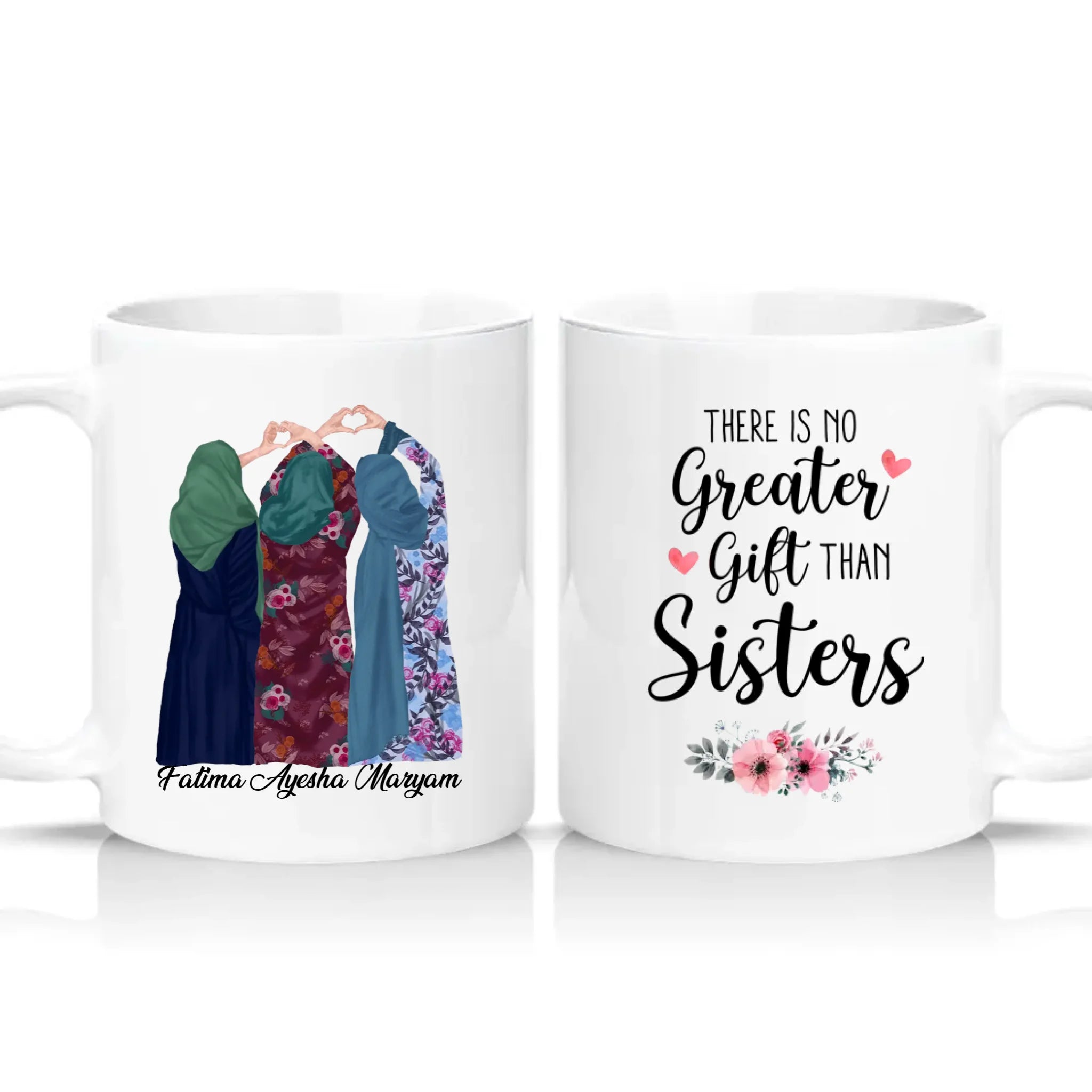
- Character illustrations (back-view is a popular clipart trope right now)
- Consistent themes across a set (baby milestones, seasonal packs, mood series)
- Isolated-on-white backgrounds ready for print-on-demand use
What it struggles with:
- Precise typography — text inside images is often misspelled or oddly kerned
- Absolute style consistency across 20+ images (you'll need to regenerate a lot)
- Complex compositions with many characters interacting
- Perfect symmetry (e.g. faces, hands sometimes look off)
Step 1: Pick a Sellable Clipart Category
Before you generate anything, decide what you're making. Categories that consistently sell well:
- Baby milestone cards — 1 day, 1 week, 1 month, all the way to 36 months, each with a cute animal or symbol
- Seasonal packs — autumn cosy, Christmas cottagecore, Valentine's watercolour
- Mood/quote back-view characters — "choose happy," "good vibes," "coffee now adulting later"
- Zodiac or birth month sets — 12 illustrations, one for each
- Hobby-specific packs — gardening, baking, reading, yoga (family-friendly poses)
Avoid: clipart with real brand logos (Disney, Marvel), lookalike celebrities, or anything sexualised. Etsy and Shopify will remove them and can suspend your shop.
Step 2: Prompt Templates That Actually Work
The single biggest lesson: consistency comes from repetition of style keywords, not clever wording. Lock in your style tokens and reuse them for every prompt in a pack.
Baby milestone card prompt
"Watercolour clipart illustration of a baby milestone card, isolated on white background, large soft pastel number '3' at the top with the word 'Months' beside it, cute baby teddy bear holding a yellow star centred below, small hearts and stars scattered around, mint and pink pastel colour palette, hand-painted watercolour texture, flat illustration, no shadows, high resolution, no text other than the numbers and 'Months', square format."
Swap the number, animal, and colour for each card in the set. Keep every other word identical — that's what gives the pack a unified look.
Back-view character with quote sweatshirt
"Watercolour clipart illustration, back view of a young woman with a messy bun and a pastel pink hair bow, wearing an oversized cream sweatshirt with the quote 'Choose Happy' hand-lettered across the back, holding a takeaway coffee cup, small hearts floating around her, isolated on plain white background, cheerful hand-drawn watercolour style, soft outlines, no shadows, high resolution, portrait format."
For each variation in the set, keep the character silhouette, background, and art style identical — change only the sweatshirt colour, the quote, and the accessory (coffee, donut, flowers, camera, backpack).
Seasonal pack prompt
"Watercolour clipart of a cosy autumn scene, isolated on white background, pumpkin with a knitted scarf, small autumn leaves in warm orange and brown tones, hand-painted watercolour texture, no shadows, flat illustration, high resolution, square format."
Step 3: The Style Consistency Trick
Grok generates 2–4 images per prompt. Here's how to keep 20+ images in the same style:
- Generate one image you love first. This is your "anchor."
- Save the exact prompt in a notes file. This becomes your template.
- For every new image, copy the anchor prompt and change only the specific element (number, colour, quote, animal). Never rewrite the style keywords.
- If a generation drifts, add "in the exact style of my previous image, matching soft watercolour texture and pastel palette" to the prompt.
- Discard anything that doesn't match. Better to regenerate 5 times than ship a pack that looks like it came from 5 different artists.
Step 4: Post-Processing (Don't Skip This)
Raw Grok output is rarely sale-ready. You'll typically need to:
- Remove the background properly — Grok's "white background" is often slightly off-white or has soft edges. Use remove.bg, Photoroom, or the background remover in Canva to get a clean transparent PNG.
- Fix typography — if there's text in the image, expect to redo it manually in Canva or Photopea. AI text is unreliable.
- Standardise dimensions — every image in the pack should be the same aspect ratio and resolution. 3000×3000px is a good clipart standard.
- Colour-match across the set — drop each image into Photoshop or Photopea and check that your pastels are actually the same pastels.
Step 5: The Legal & Commercial Reality
This is where people get tripped up. Being honest:
- You can sell AI clipart commercially under Grok's terms — xAI grants commercial rights to output. Always double-check the current xAI terms before you list anything for sale.
- You cannot copyright pure AI-generated images in the US (per the US Copyright Office). That means someone else can copy your clipart and you can't stop them.
- Etsy, Creative Market, and Design Bundles now require you to disclose AI-generated content in listings. Failing to disclose can get your shop suspended.
- Some marketplaces have banned AI content entirely in certain categories. Check each platform's current policy.
- Watermark your preview images heavily. Once your PNGs are in a buyer's hands, they can be redistributed with nothing you can do about it.
Step 6: Selling Clipart Yourself
If you want to sell directly instead of using a marketplace, here's the basic workflow:
- Bundle your files — individual transparent PNGs, plus a licence document explaining what buyers can and can't do (personal use, small-business commercial use, no resale of the raw files).
- Create a preview mockup — a single grid image showing all the clipart pieces watermarked.
- Zip it up — buyers get one zip file per pack.
- Use a digital delivery app on your Shopify store — Shopify's own free Digital Downloads app works, or SendOwl and Sky Pilot for more features.
- Price it in the market range — typical clipart packs sell for £4.99–£14.99 depending on file count and quality.
The Honest Bottom Line
AI clipart is now a competitive, crowded market with falling prices and growing buyer scepticism. It's still viable, but the winners are people who:
- Pick a specific niche (baby milestones, moon phases, cottagecore, etc.) rather than generic art
- Invest in genuine style consistency across every pack
- Post-process carefully so their output doesn't look obviously AI-generated
- Disclose AI use honestly — buyers who want AI clipart will still buy it, and honesty builds long-term trust
- Diversify beyond clipart into printables, mockups, and templates
Grok is a genuinely useful tool for this workflow, but it's the taste and the post-processing that make a pack sellable, not the prompt.
Questions about setting up digital downloads on your Shopify store? Email us at info@giftsvolt.co.uk.